Background
Rondo Distribution is a wholesale distributor working with multiple outdoor and lifestyle brands. The engagement covers two related deliverables: a customer-facing B2B portal where business buyers place orders, and a backend management panel that lets the distributor maintain a single product catalog across multiple WooCommerce shops.
The portal came first, with the management panel following as a second deliverable once the integration patterns were established. Both are built on WordPress and WooCommerce, and both connect to the same external ecosystem: the distributor’s Navireo ERP, driven by an external IT partner, so the two pieces share a coherent architecture rather than living as separate tools.
I built the work as a freelance developer in cooperation with Mapi Media, who held the contract with Rondo.
The portal came first, with the management panel following as a second deliverable once the integration patterns were established. Both are built on WordPress and WooCommerce, and both connect to the same external ecosystem: the distributor’s Navireo ERP, driven by an external IT partner, so the two pieces share a coherent architecture rather than living as separate tools.
I built the work as a freelance developer in cooperation with Mapi Media, who held the contract with Rondo.
Extended REST API for external integration
The portal’s backbone is a set of custom REST endpoints extending WooCommerce’s native API, designed to be consumed by the distributor’s external IT partner (Bielbit) for two-way synchronization with Navireo, the ERP that runs the warehouse and pricing. Bielbit handles the ERP side; I built the API surface that makes the integration possible.
The endpoints cover the operations that matter for a wholesale flow: orders are pulled from the portal into the ERP for processing, prices are pushed from the ERP into WooCommerce on a short interval, products are switched on or off based on flags in the ERP, items are moved between the main catalog and the outlet category automatically, and stock-status colors are updated as inventory levels change.
This separation keeps the ERP as the source of truth for prices and inventory, while the portal handles ordering, presentation and document delivery. The result is essentially “WordPress as a service”: a stable API surface that an external system drives, rather than a closed sales site.
The endpoints cover the operations that matter for a wholesale flow: orders are pulled from the portal into the ERP for processing, prices are pushed from the ERP into WooCommerce on a short interval, products are switched on or off based on flags in the ERP, items are moved between the main catalog and the outlet category automatically, and stock-status colors are updated as inventory levels change.
This separation keeps the ERP as the source of truth for prices and inventory, while the portal handles ordering, presentation and document delivery. The result is essentially “WordPress as a service”: a stable API surface that an external system drives, rather than a closed sales site.
Wholesale ordering rules
B2B works under different rules than retail, and the portal enforces them throughout the buying flow rather than leaving them as soft conventions.
Each category represents a single brand, and an order can only contain products from one brand at a time. Adding a product from a different brand starts a new cart. Every product offers two purchase modes: stock order for immediately available items, and pre-order with a per-product delivery window set by the admin, with order notes flagged accordingly. Checkout is locked down for B2B context as well: company data can’t be edited at the cart stage, alternate shipping addresses are requested through order notes rather than a separate field, and the flow doesn’t pass through payment gateways since orders are settled inside the existing wholesale relationship.
Stock visibility is simplified to three colors instead of stock counts: green for available, red for unavailable, orange for in-transit. The ERP drives these states through the API. An outlet category for end-of-line inventory is populated automatically when items are flagged as withdrawn but still have stock, with outlet purchases restricted to stock orders only.
Each category represents a single brand, and an order can only contain products from one brand at a time. Adding a product from a different brand starts a new cart. Every product offers two purchase modes: stock order for immediately available items, and pre-order with a per-product delivery window set by the admin, with order notes flagged accordingly. Checkout is locked down for B2B context as well: company data can’t be edited at the cart stage, alternate shipping addresses are requested through order notes rather than a separate field, and the flow doesn’t pass through payment gateways since orders are settled inside the existing wholesale relationship.
Stock visibility is simplified to three colors instead of stock counts: green for available, red for unavailable, orange for in-transit. The ERP drives these states through the API. An outlet category for end-of-line inventory is populated automatically when items are flagged as withdrawn but still have stock, with outlet purchases restricted to stock orders only.

Multi-shop product management panel
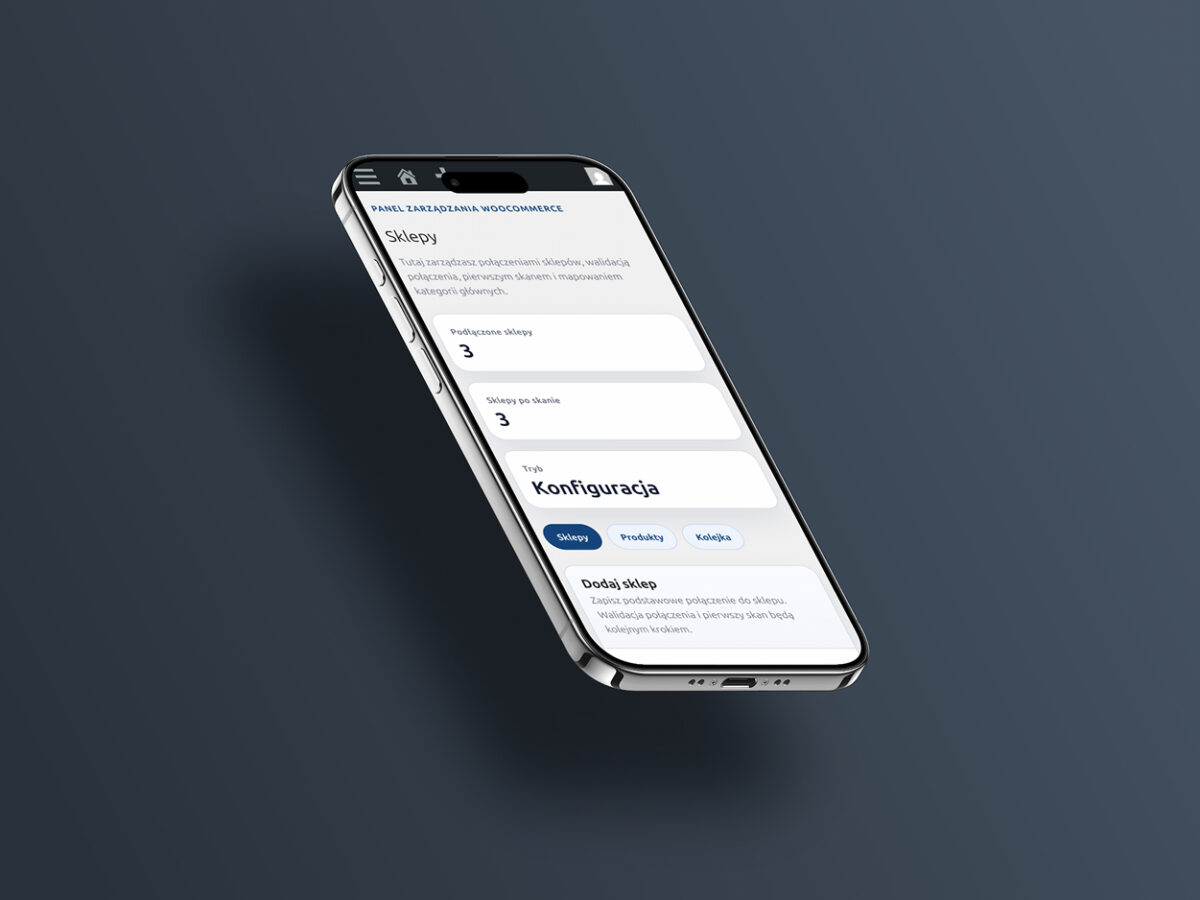
With the B2B portal in place, the engagement expanded to address a second problem: maintaining one catalog across several WooCommerce shops without duplicating product work in every admin. The panel solves that by sitting above the shops as a centralized product source.
Each connected shop is registered in the panel with its WooCommerce REST API credentials and base URL. Products created or edited in the panel are then pushed to every connected shop as if they were created there directly, with attributes, variants, categories, brands, descriptions, pricing and imagery cloned along with the product itself. New brands and categories created in the panel propagate the same way.
One deliberate boundary: the panel does not manage stock. Inventory remains synchronized through the existing ERP integration on each shop, so the panel is responsible for what a product is, not how many of it are available right now.
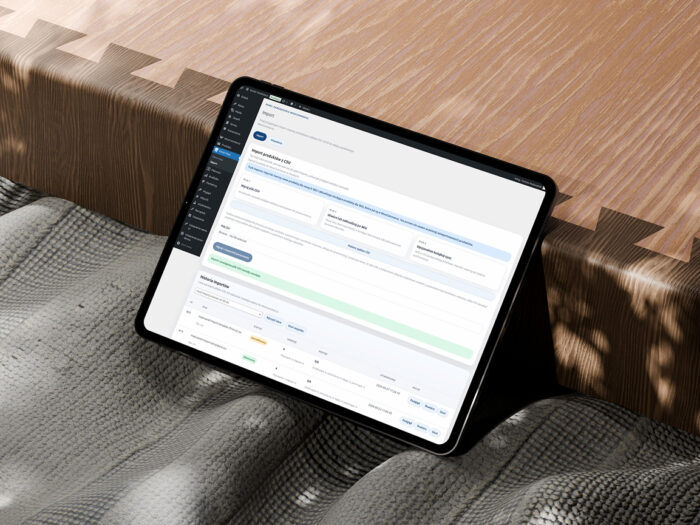
For large catalogs, single-product editing isn’t enough. The panel supports bulk import from CSV or XLS files based on a defined template, with images pulled from a configured FTP path or from public URLs during import. Images are stored centrally in the panel and copied out to the destination shops, replacing what would otherwise be a manual upload-per-shop cycle.
Each connected shop is registered in the panel with its WooCommerce REST API credentials and base URL. Products created or edited in the panel are then pushed to every connected shop as if they were created there directly, with attributes, variants, categories, brands, descriptions, pricing and imagery cloned along with the product itself. New brands and categories created in the panel propagate the same way.
One deliberate boundary: the panel does not manage stock. Inventory remains synchronized through the existing ERP integration on each shop, so the panel is responsible for what a product is, not how many of it are available right now.
For large catalogs, single-product editing isn’t enough. The panel supports bulk import from CSV or XLS files based on a defined template, with images pulled from a configured FTP path or from public URLs during import. Images are stored centrally in the panel and copied out to the destination shops, replacing what would otherwise be a manual upload-per-shop cycle.
Technical scope
The B2B portal is a custom WordPress and WooCommerce theme written from scratch, with templates and components matching a reference design provided by the client. WooCommerce templates and cart logic are overridden where the B2B rules required it, including single-brand carts, locked checkout fields and the dual stock/pre-order purchase model. The custom REST endpoints are registered through WordPress’s native REST API infrastructure, with authentication and request handling adapted to what the external integrator needs. User accounts on the portal are admin-created only, and each client’s symbol from the ERP is carried through to the portal so invoices and orders can be tied back consistently. Per-client invoices are listed in each account’s area based on a structured filename pattern, with PDFs generated externally by the ERP and uploaded to FTP, then matched to the right client by the portal.
The management panel runs on the same WordPress and WooCommerce stack as the admin runtime, with custom UI and dispatch logic added on top. WooCommerce is used as the base because the data model already matches what gets sent to each shop (products, variants, attributes, categories), which removes a translation layer that would otherwise sit between the panel and its targets. Dispatch runs through the WooCommerce REST API, with per-shop credentials stored in the panel’s settings. Both deliverables are built without paid plugins.
The management panel runs on the same WordPress and WooCommerce stack as the admin runtime, with custom UI and dispatch logic added on top. WooCommerce is used as the base because the data model already matches what gets sent to each shop (products, variants, attributes, categories), which removes a translation layer that would otherwise sit between the panel and its targets. Dispatch runs through the WooCommerce REST API, with per-shop credentials stored in the panel’s settings. Both deliverables are built without paid plugins.
Closing notes
The B2B portal runs as Rondo Distribution’s wholesale platform, plugged into the distributor’s ERP through a custom integration layer that an external partner drives from the warehouse side. The management panel is in late-stage development as the second deliverable in the same engagement.